
Ready to meet the all-new Alexa+?
Powered by generative AI, Alexa+ is smarter, conversational, personalised, and gets things done for you, and we’re excited to introduce it to India for free under Early Access.
Below are 25 things to try, covering conversation, information, entertainment, daily organisation, smart home control, and features for the whole family. Think of this as your starting point. Try a few, explore further, and make Alexa+ your own.
Conversation like never before
1. Have more natural conversations. Just say "Alexa" once and speak naturally. No need to repeat the wake word for follow-up questions or to change the subject. It's like chatting with a friend.
2. Switch comfortably between English and Hindi. Alexa speaks naturally in English, Hindi, and Hinglish, and handles language-switching within a single sentence without confusion—a natural way many Indians speak.
Alexa+ launches in India with support for English, Hindi, and Hinglish, with more Indian languages coming soon.
3. Explore virtually any topic. Ask about whatever comes to mind—history, cricket stats, pop culture references, and film recommendations. Say "Alexa, what should I watch if I loved Mirzapur?" and she will provide recommendations.
4. Ask Alexa+ to remember what matters. Alexa+ has an incredible memory. Tell her your anniversary, a favourite restaurant, that book a friend recommended, or that your partner is vegetarian, and Alexa will use it to give you more relevant answers.
5. Pull information from important documents. Upload school schedules, instruction manuals for a new appliance, images of handwritten recipes, study materials, and more via the Alexa app or email it to alexa@alexa.com. Then simply ask Alexa for the most relevant information like when exams start for your child or what to do when your washing machine light is blinking red and you’ll get the answer.

Your life organised, wherever you are
6. Let Alexa+ manage your schedule. Ask to summarise your calendar or add events. Just say, "Alexa, I shared Aarav's school timetable with you. When is his swimming class?"
7. Send emails by voice. Hands full? Dictate a message, adjust the tone ("थोड़ा informal कर दो " or "make it crisper"), and send it without touching your phone. Brilliant when you’re multi-tasking.
8. Target specific rooms. Send an announcement just to your Echo device in the kids' room or kitchen without disturbing the whole house.
9. Take Alexa+ with you. Start a conversation on your Echo Show at home and pick it up later in the Alexa app on your phone, or while streaming on your Fire TV Stick. Alexa+ keeps the context, so it feels like one continuous conversation. Soon, Indian customers will also be able to access Alexa+ directly from their browser, making it even easier to get help wherever you are.
Entertainment that gets you
10. Discover music through conversation. Can't remember the name of that song? Try describing it, the vibe, or just a lyric and Alexa will give you the answer. Or ask Alexa to play Diljit Dosanjh's latest song, then ask if he's touring near you—once Alexa responds the music resumes.
11. Set the mood with a playlist. Say "play that song that helps me relax” or “suggest some songs that I’ll like". On Amazon Music, Alexa builds a queue around what you want and can play it right away. No switching apps or manual searches.
12. Get recommendations for films and books. Tell Alexa what you're in the mood for: "suggest some feel-good movies" or "a short thriller to read this weekend." It'll suggest something that actually fits.
13. Find podcasts by episode or guest. "Play the latest episode of The Desi Crime Podcast I haven't heard yet", and Alexa will find and play it from your default content provider—no scrolling required.
14. Move music around your home. Say "move it to the living room" and Alexa understands spatial references and remembers where your content is without you needing to know device names.
15. Enjoy personalised streaming picks. Ask for content ideas across your streaming services on your Fire TV device. Alexa groups suggestions into descriptive categories so you spend less time searching and more time watching. For example, a broad search for "action movies" might yield results like War Epics, High-Octane Car Chases, and Thrilling Spy Dramas.
16. Let Alexa be your entertainment encyclopedia. Forget exact titles – describe what you’re looking for and Alexa finds it. Try "वो कौनसा गाना है जिसमें एक bachelorette party scene है...Shahid Kapoor और Alia Bhatt वाला?" or ask for interesting trivia as you stream: "Did this movie win any awards?".
Easily manage your smart home
17. Create smart home routines through voice. With Alexa+, you can now set up complex smart home Routines with a simple voice request, no app needed. Just say, "Alexa, जब main बोलूं ‘movie time’, तो lights warm white कर दो और brightness आधी कर दो, and get my Fire TV started".
18. Set personalised reminders for your family. Ask Alexa to set personalised reminders based on your family members. So if your partner says, "play my favourite songs", Alexa will recognise their voice and customise her response or actions.
19. Control your home naturally. Say "room में बहुत गर्मी है" and Alexa adjusts the smart AC. Say "make it cosy" and Alexa dims the lights and sets the mood. No need to specify which device, what room, or exactly what needs to be done as Alexa is able to infer what you’re looking for and complete the task.
20. Personalise Routines for each family member. Create specialised routines for any member of your family. With voice ID, you can set it up so when your partner says "good morning," their favourite playlist starts without affecting yours.
Handle daily tasks with ease
21. Get personalised recipe ideas. Tell what you've got on hand and Alexa will suggest recipes from Sanjeev Kapoor Recipes based on the ingredients you have in the fridge. Or tell her about your dietary restrictions or preferences and she will offer substitutions. Say, "मेरा fridge लगभग खाली है. बस कुछ बचे हुए चावल और टमाटर हैं. इससे क्या बनाया जा सकता है?"
22. Build your shopping list. Just tell Alexa what you need, such as missing ingredients from the recipe you want to cook, and she'll add items to your shopping list in one go.
23. Easily discover items you’re looking for. Simply ask Alexa what you’re looking for, and she will pull up top results from Amazon.in. Conversationally refine your search, ask for customer reviews, or ask product detail questions like how long the battery life is, if it’s waterproof, or if it is made in India. Say, "Alexa, मुझे air fryer खरीदना है under 10,000".
24. Never miss a deal. Ask Alexa about products you've had your eye on, track prices, and get notified. Or ask her to complete the purchase the moment it drops and deliver it to your home.
25. Need something instantly? Soon, you can ask Alexa+ to help you order groceries or last-minute items through Amazon Now and get them delivered in a few minutes. Say, "Alexa, I’m out of milk. Add it to my Amazon Now cart" and she’ll guide you through the rest.
How do I get Alexa+?
Alexa+ will be free for all customers during Early Access, starting today. Customers can check eligibility by visiting amazon.in/alexaplus, or get immediate access by purchasing a new eligible Echo or Fire TV device.
After Early Access ends, Alexa+ will stay free for Prime plan members. For Prime Lite, Prime Shopping Edition plan members, and all non-Prime customers, Alexa+ access will not auto-renew and will be available either as a standalone subscription for ₹2,000/month or through Prime plan.
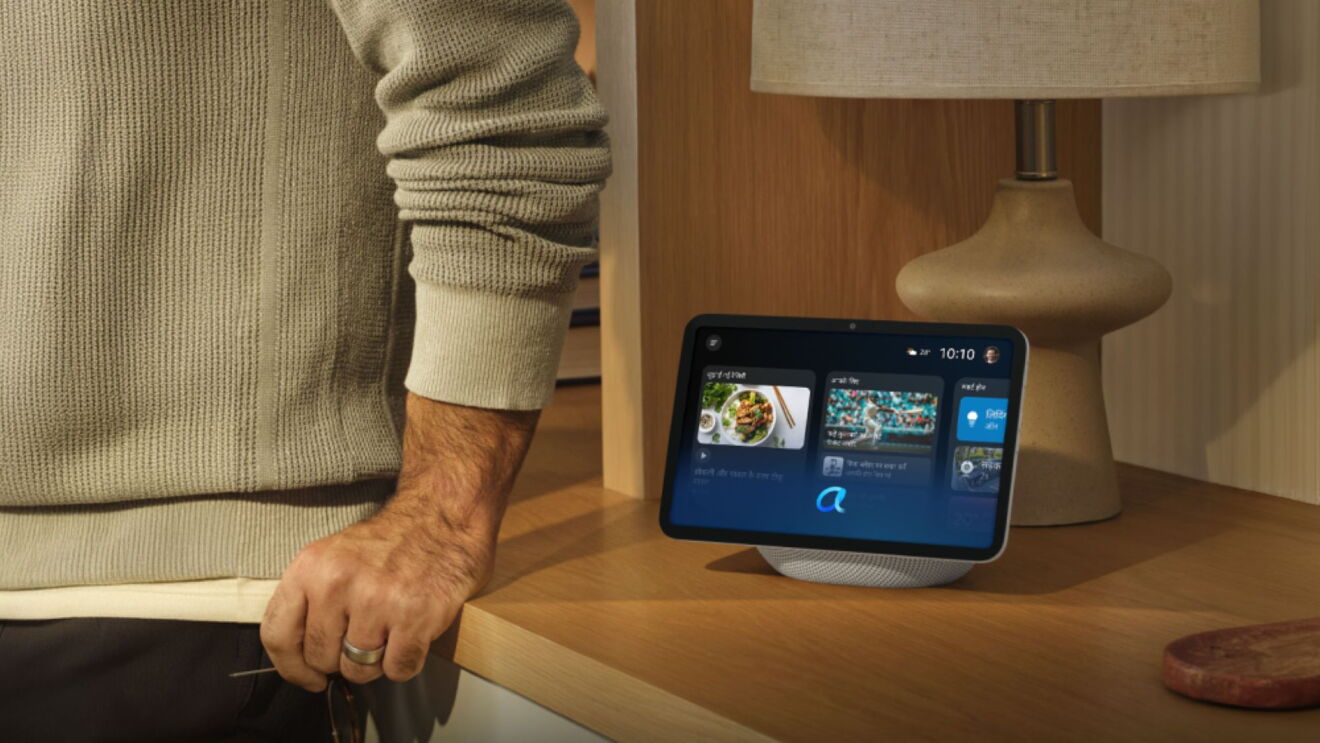
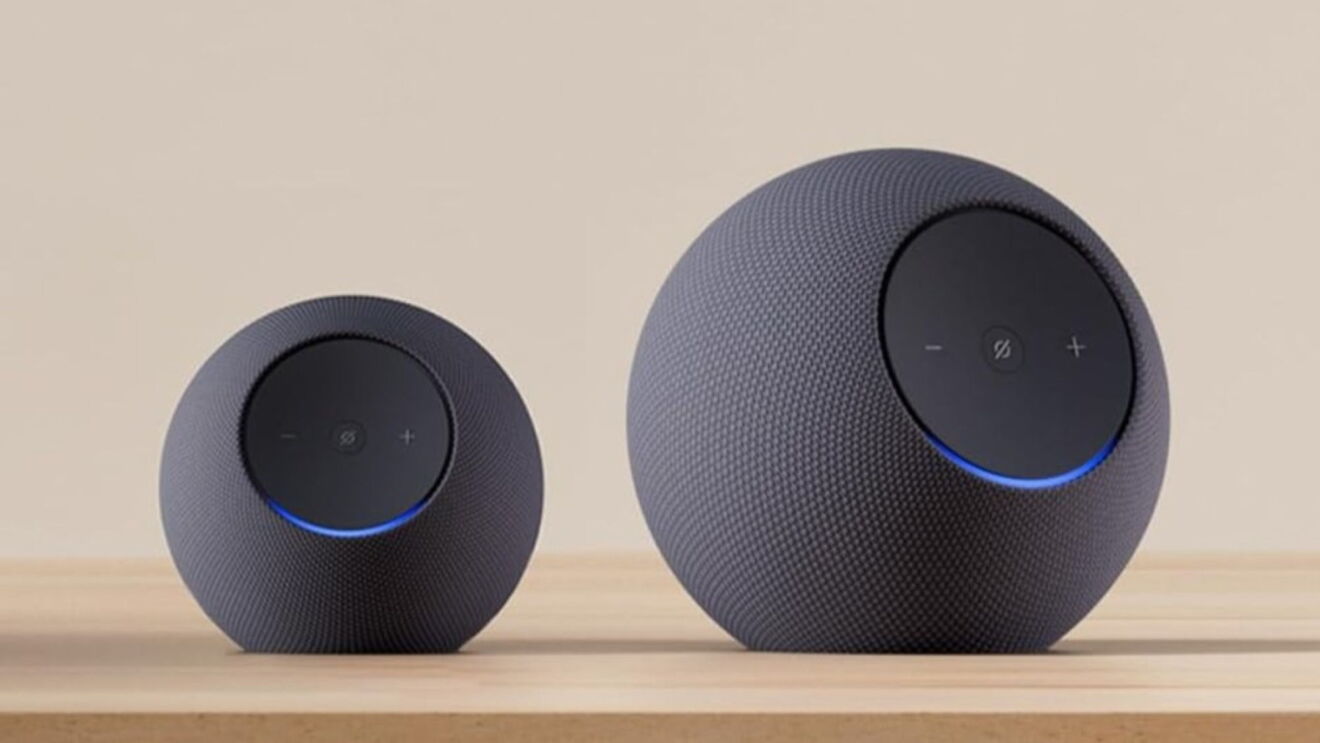
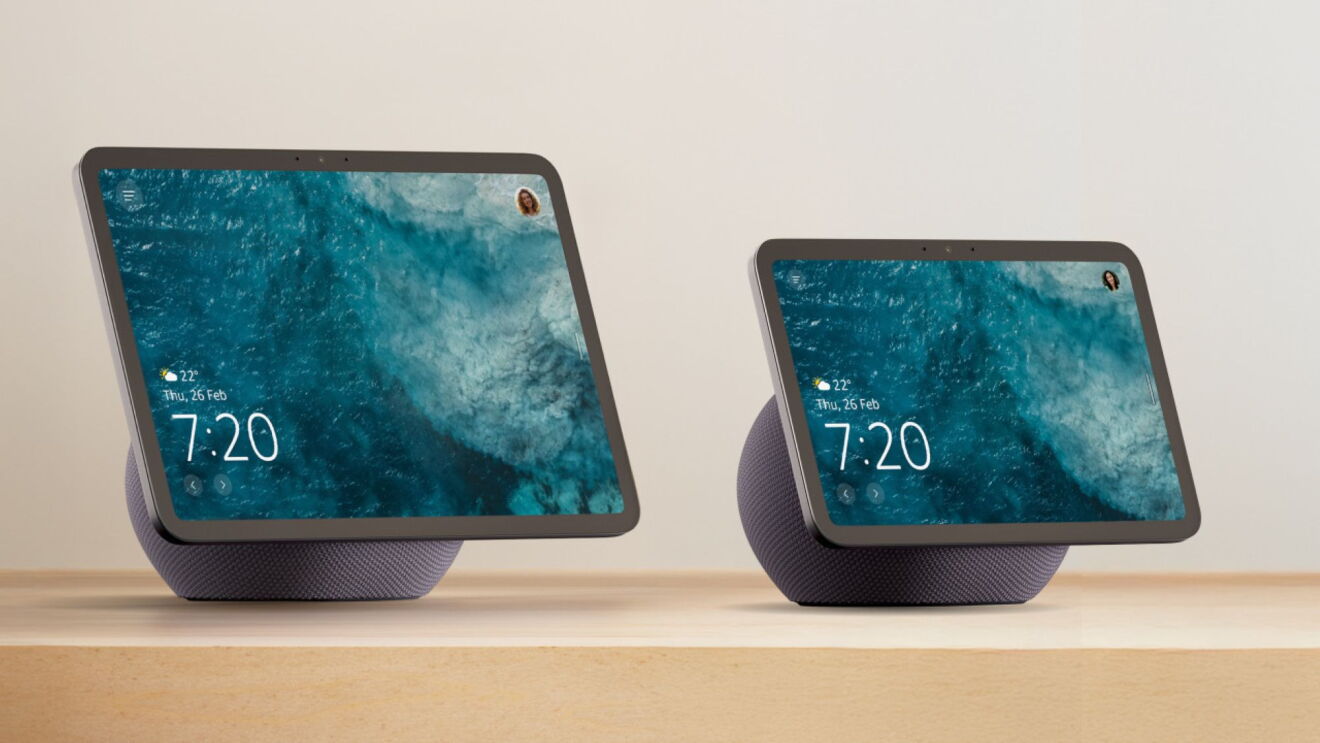
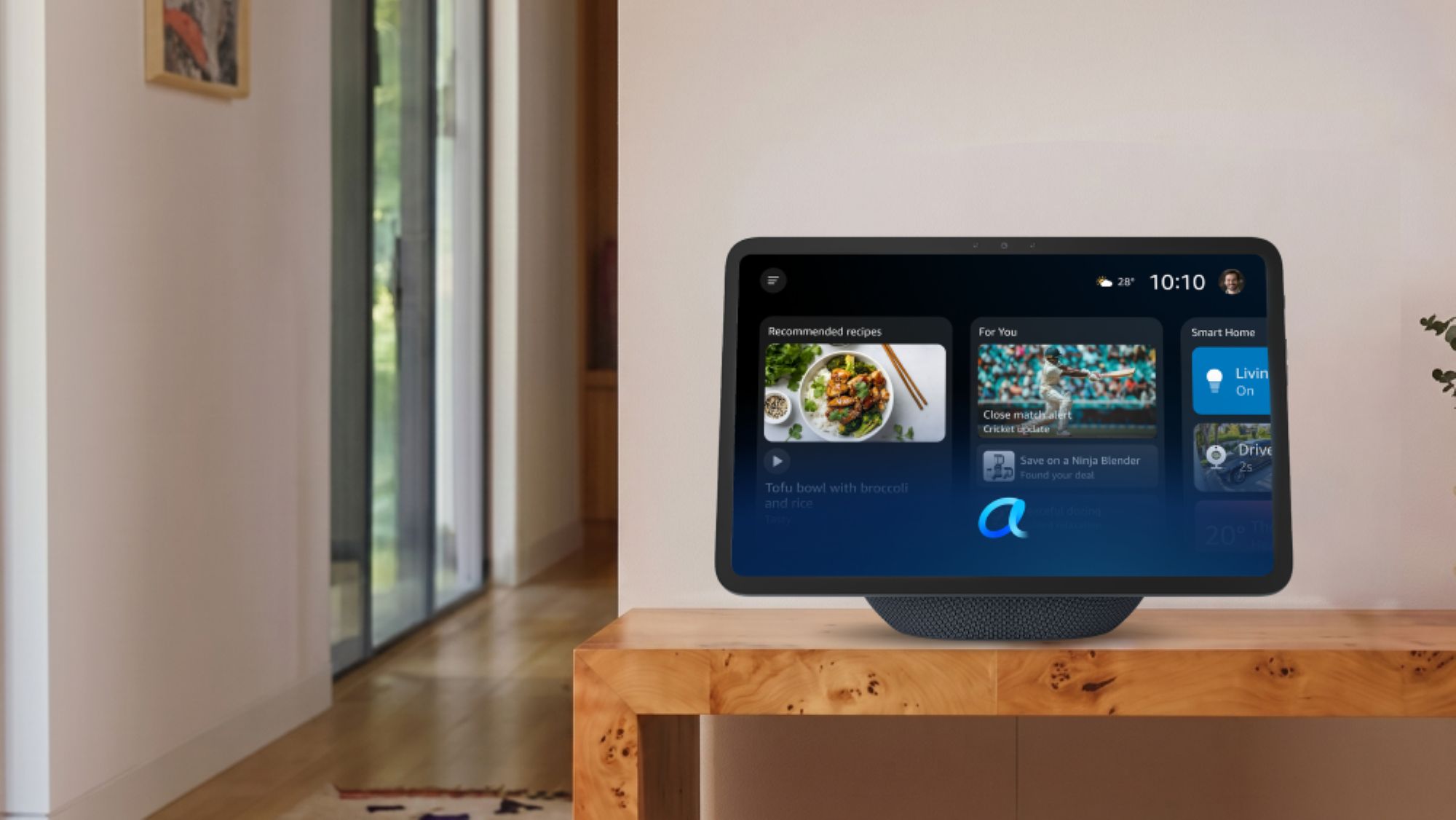
The all-new Echo Show 8, Echo Show 11, Echo Dot Max, and Echo Studio are purpose-built for Alexa+, delivering more processing power, memory, and edge-based computing with next-generation sensors.
Not all features are available on all devices. Alexa+ is not available on certain older Echo generations.