Page overview
Find your phone
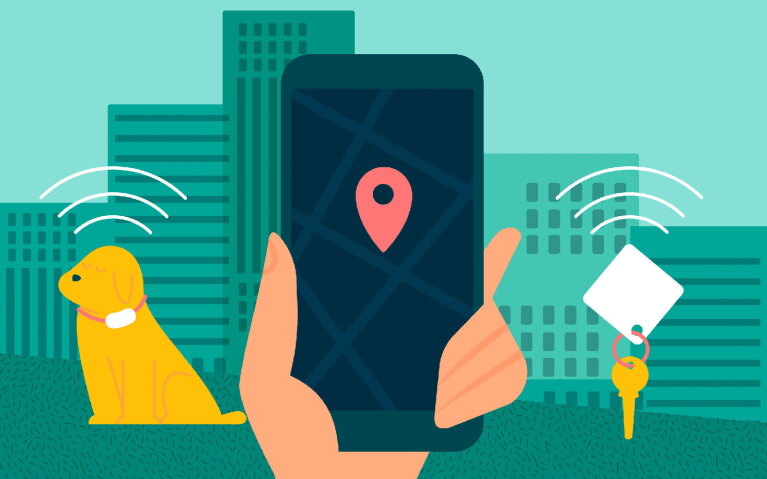
Next time you misplace your cell phone, Alexa can help. Once you have Alexa Calling enabled, all you have to do is say, “Alexa, find my phone" and Alexa will ring it for you so you can track it down quickly.
Alexa can play all sorts of games with you, from trivia to card games. It's a great way for the whole family to stay entertained without having to pick up a controller or a board game. You can ask Alexa to play specific games, like Simon Says and True or False, and you can also simply say "Alexa, let's play a game," and you'll be presented with a list of options.

In the mood to be entertained? You can ask Alexa to tell you a joke or story. Alexa has access to thousands of jokes, stories, and other fun facts that can be shared with you or your kids.

Alexa can be paired with compatible smart home devices that you can then control with your voice. For example, you can ask Alexa to turn on the TV, or lock your front door if you have a compatible keyless smart lock. Alexa can also turn on lights and control your thermostat with easy commands. You can even use a smart plug to add voice control to your appliances that are not inherently smart.
Alexa exhibits equal proficiency in identifying whispers compared to regular voices. Alexa is equipped with Whisper Mode – a feature that makes it easy to get the morning news or weather forecast without waking up your partner or a napping baby. Just say, “Alexa, turn on whisper mode” and you will receive a confirmation from Alexa acknowledging the successful activation of whisper mode.

Some people prefer that Alexa speak a little quicker, and it's very easy to make that happen. All you need to do is say "Alexa, speak faster" and Alexa will start speaking more quickly. You can also change the speed back by saying "Alexa, speak slower."
If you have multiple Alexa-enabled devices in your home, they can be used to make announcements or check in on one another. Just say "Alexa, announce dinner is ready" and Alexa will send the announcements to all your devices. You can also use Alexa-enabled devices like an intercom system by asking Alexa to “drop in on the Kitchen” (or wherever your other devices may be) and be connected to that device, allowing you to quickly and easily communicate with those around the home, without having to shout down the hall.
Alexa Routines can help automate your day by grouping together actions so you don’t have to ask for each one separately. For example, when you say “Alexa, start my day” Alexa can kick off your day by turning on the lights, giving you the weather forecast, and starting your favorite playlist. You can schedule Routines to start with a voice command, at a specific time of day, when someone walks into the room, or even when Alexa detects a specific sound.

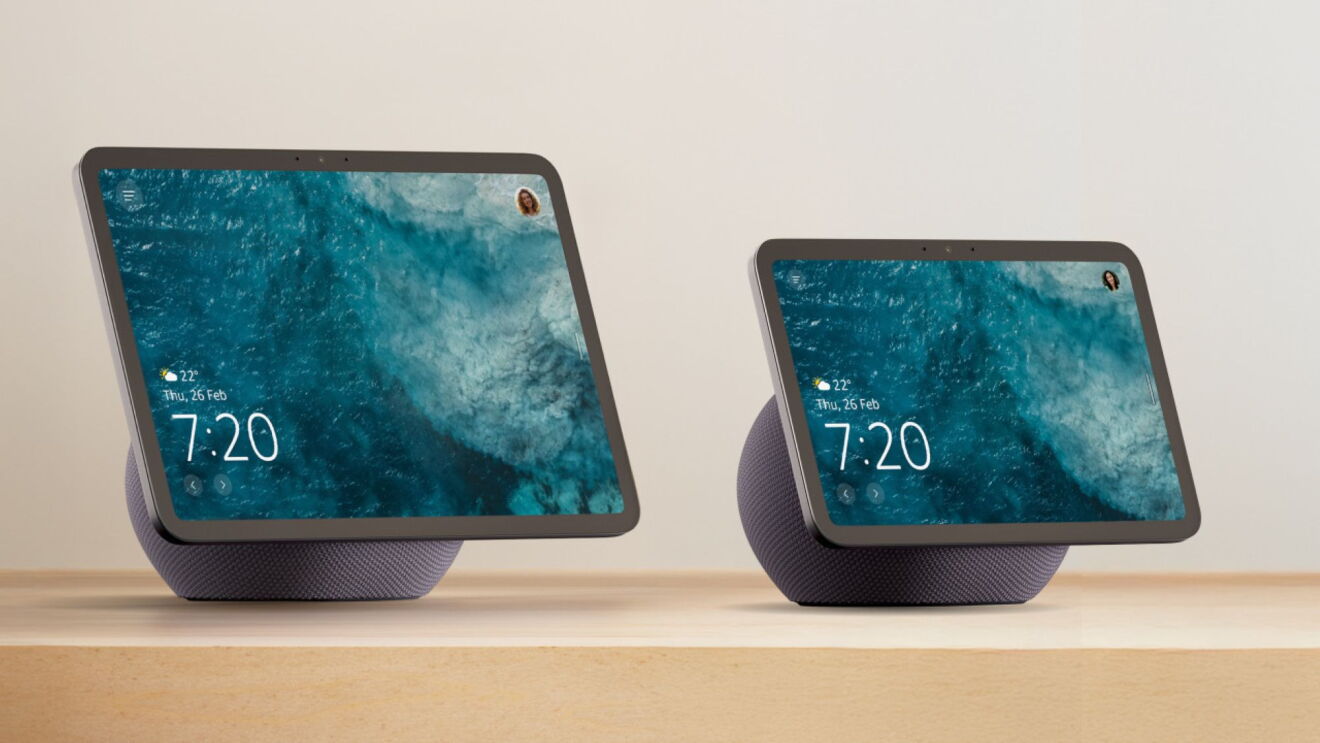
Alexa can also help you shop on Amazon with just your voice. If you have an Echo Show, a simple command like “Alexa, show me red shoes” or “Alexa, show me blue bags” can turn Alexa into your personal shopping assistant. View options, add items to your cart, and even track your orders seamlessly by just asking Alexa.
Alexa can be a valuable aid when it comes to providing detailed cooking instructions. By simply asking, "Alexa, give me the recipe for Palak Paneer?" or "Alexa, let’s make baked Gulab Jamun”. You can rely on Alexa to accompany you through each step of renowned recipes handpicked by Chef Sanjeev Kapoor. To ensure an optimal culinary experience, users can utilize commands to play, pause, ask for next steps or to repeat a step.Alexa truly simplifies the cooking process, allowing you to focus on creating delectable dishes.