
Shopping is more exciting with the right tools at your fingertips. Did you know Amazon.in has a plethora of innovative features and tools to choose from to simplify your shopping journey and help you make smarter purchase decisions. Whether you're looking for product recommendations, visual search options, or virtual try-ons, these shopping tools are designed to enhance your experience as you browse through the best deals.
Here’s a guide to some top ways you can make the most of your shopping experience:
1. Ask Rufus: Your AI shopping assistant for smarter decisions
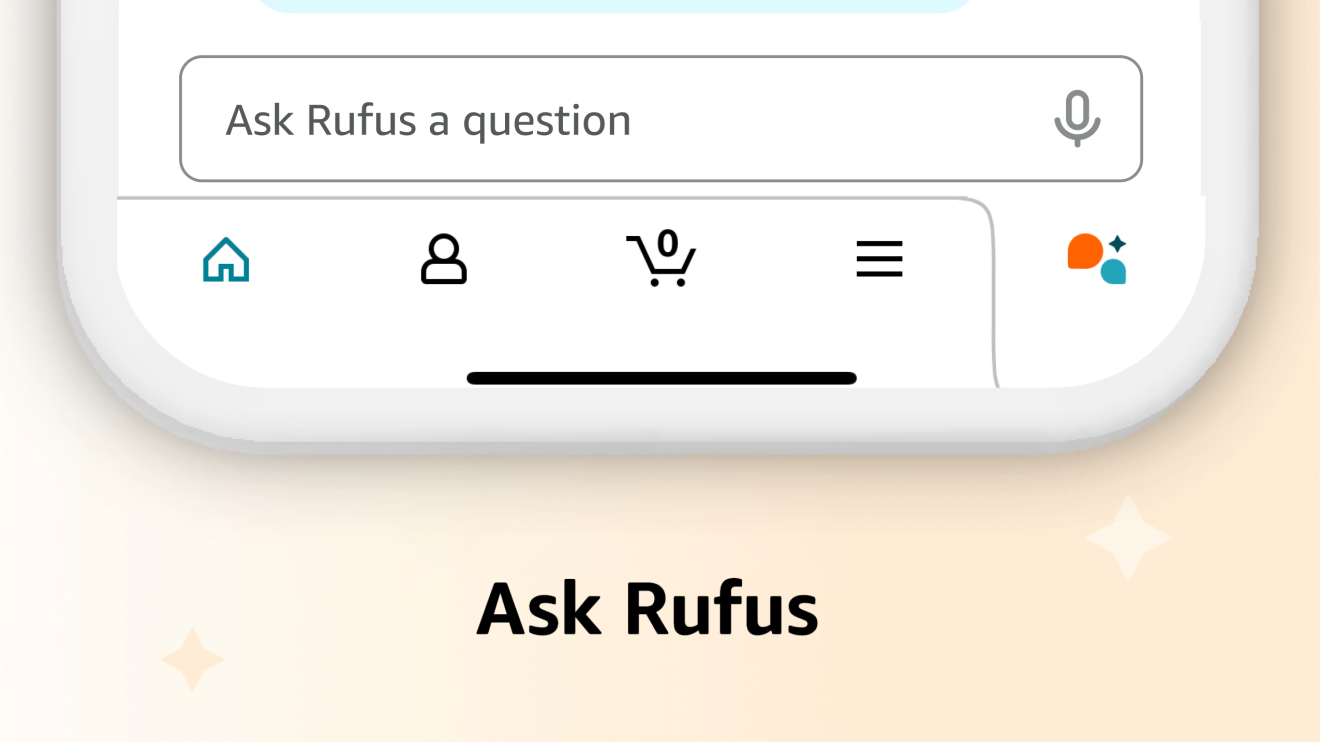
Rufus, Amazon’s AI shopping assistant, is trained on the entire product catalogue and information from across the web. Launched in India on mobile in 2024, it was recently rolled out on the desktop version as well. This intelligent tool answers your questions, compares products, and offers personalised recommendations—all within the familiar Amazon shopping environment. Need gift ideas? Wondering what to consider when buying a refrigerator? Want to compare smartwatches and fitness bands? Simply ask Rufus and get instant, helpful guidance to make your shopping more efficient.
2. Amazon Lens: Shop what you see with visual search
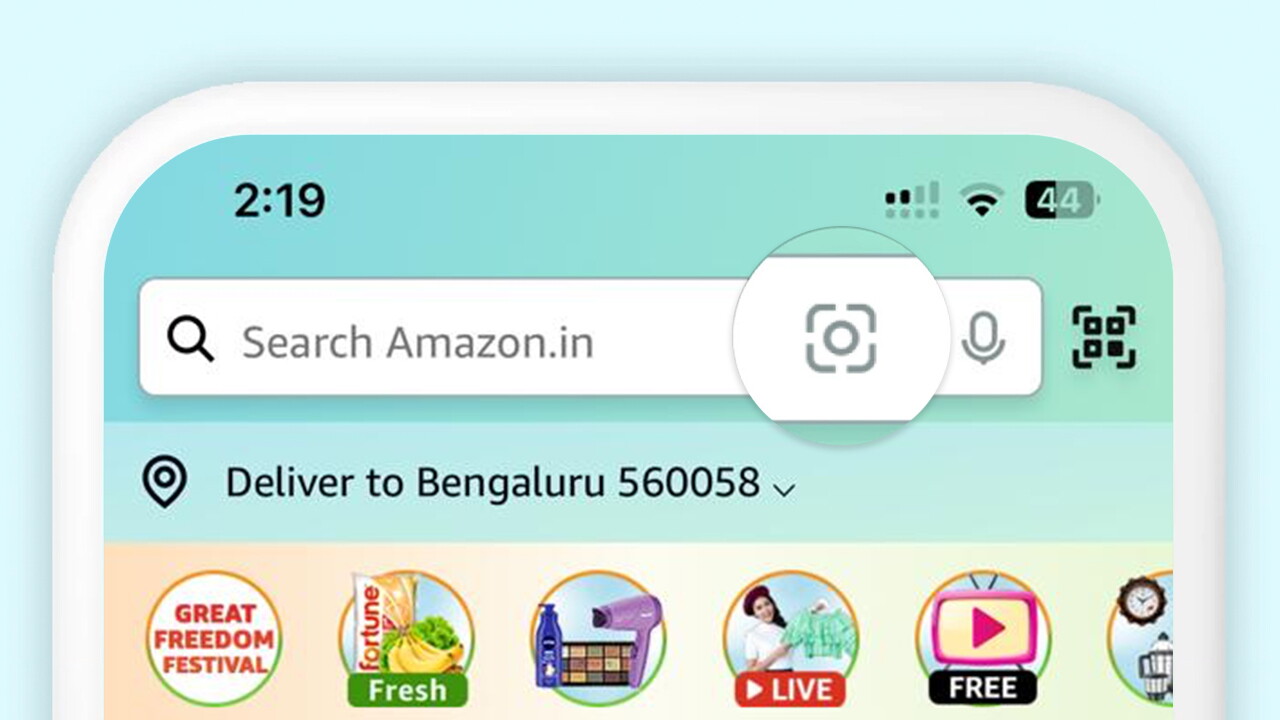
Amazon Lens transforms how you discover products. Instead of typing descriptions, simply tap the Lens icon in the search bar of your Amazon app or website to:
• Search with an image: Upload any photo from your camera roll and Amazon Lens will instantly show similar items available for purchase.
• Search with the camera: Spot a piece of furniture you love while visiting friends? Use the Camera Search to snap a photo and find comparable options on Amazon.in.
• Scan barcodes: Already have a product in hand? The Barcode Scan feature helps you compare prices, check delivery options, or restock items with a quick scan.
3. Smartphone Genie: Expert guidance for your next mobile purchase
Choosing the right device for yourself can be overwhelming. Enter the Smartphone Genie, powered by Digit—an interactive tool that narrows down your perfect match in just four simple steps. This expert recommendation system asks about your budget, how you’ll use your phone, and which features matter most to you. Whether you prioritise camera quality, battery life, gaming performance, or value for money, the Smartphone Genie analyses options within your budget to suggest the ideal smartphones for your specific requirements.
4. Smartchoice: Find the perfect laptop or tablet for your needs

Amazon India's Smartchoice program takes the guesswork out of purchasing laptops and tablets. This customer-focused initiative helps you compare technical specifications across various price points and models, presenting a curated selection of devices that have been rigorously tested and validated for specific use cases. By simplifying the selection process in this rapidly evolving tech category, Smartchoice ensures you can find reliable performance at competitive prices—whether you're a student, professional, or casual user looking for your next device.
5. Skincare quiz: Find products matched to your skin's needs
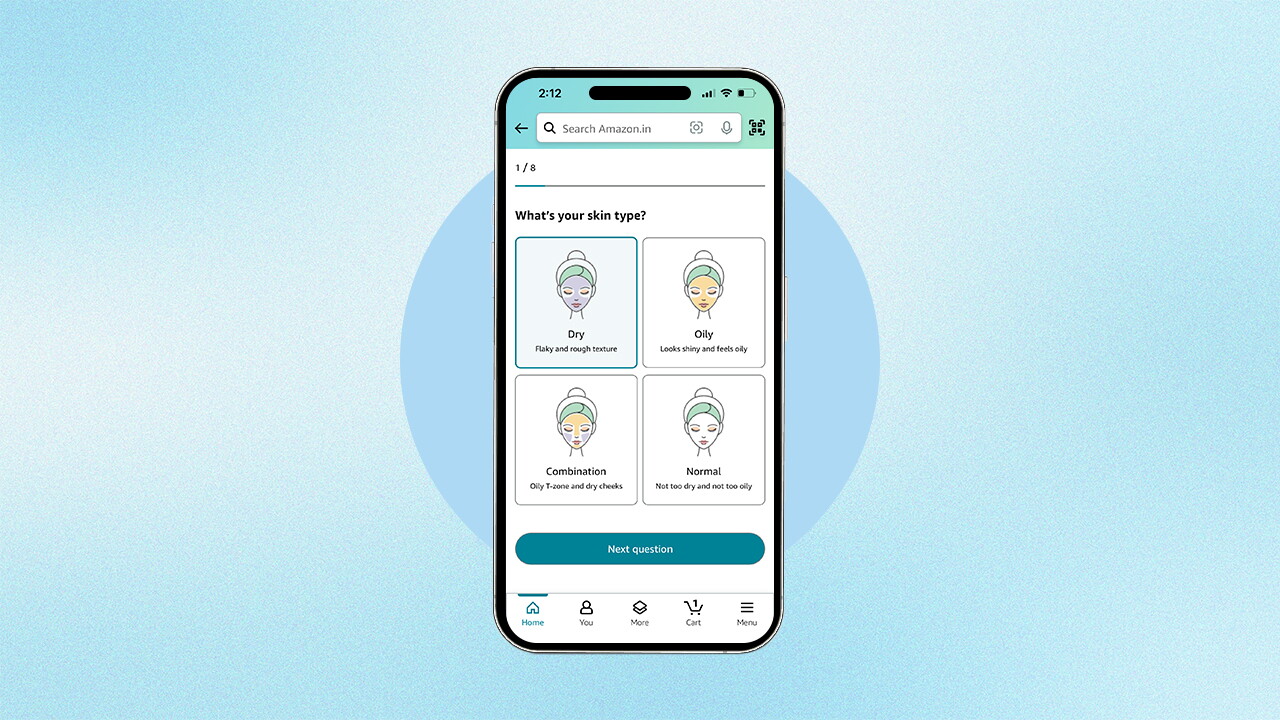
Finding the right skincare products for your specific concerns can be challenging. Amazon's skincare quiz acts as your personal beauty consultant, recommending products tailored to your unique skin profile. Access this helpful tool anytime through your Amazon Shopping app—simply navigate to the beauty category, tap on skincare, and look for the 'Find a Skincare Routine that's Right for You' widget. Answer a few questions about your skin type and concerns, and receive personalised product recommendations perfectly aligned with your skincare needs.
6. Watch & Shop: See products in action before buying
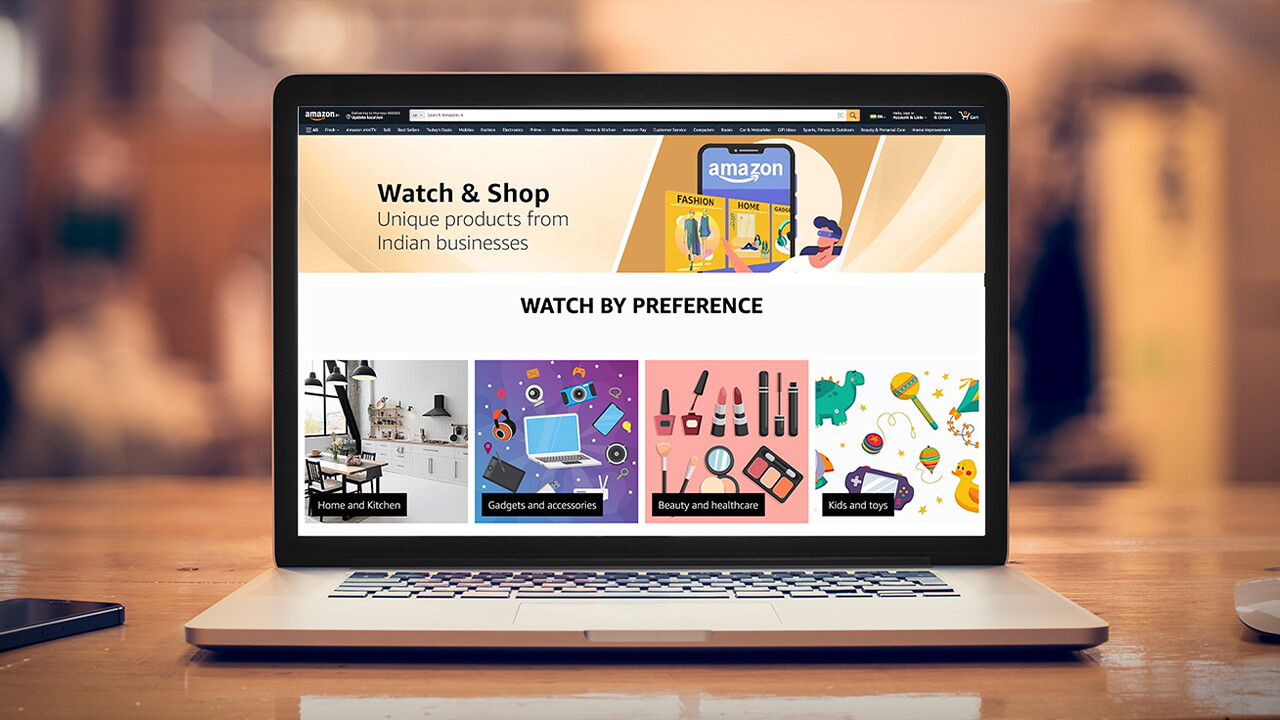
The Watch & Shop feature makes purchasing from small businesses easier. Instead of relying solely on photos and descriptions, you can now watch detailed videos showing exactly how products work and perform. This visual preview is especially valuable when shopping for home and kitchen items, gadgets, and accessories—giving you a realistic demonstration of the product before purchase. Browse through video content across various categories to discover unique offerings from small businesses and make more assured buying decisions.
7. Virtual 'Try-On': Test makeup and sunglasses from home

Unsure if those discounted sunglasses will suit your face shape? Wondering how that lipstick shade will complement your skin tone? Amazon's virtual 'Try-On' feature eliminates the guesswork. Available on select product detail pages in the Amazon Shopping app, this tool lets you virtually sample products before purchase. For sunglasses, your phone's camera creates a live preview of how they'll look on your face. For makeup products, either upload your photo to see realistic results or select a model with a similar complexion. This innovative technology helps you make confident beauty and accessory purchases without leaving home.
8. Regional language support: Shop in your preferred language
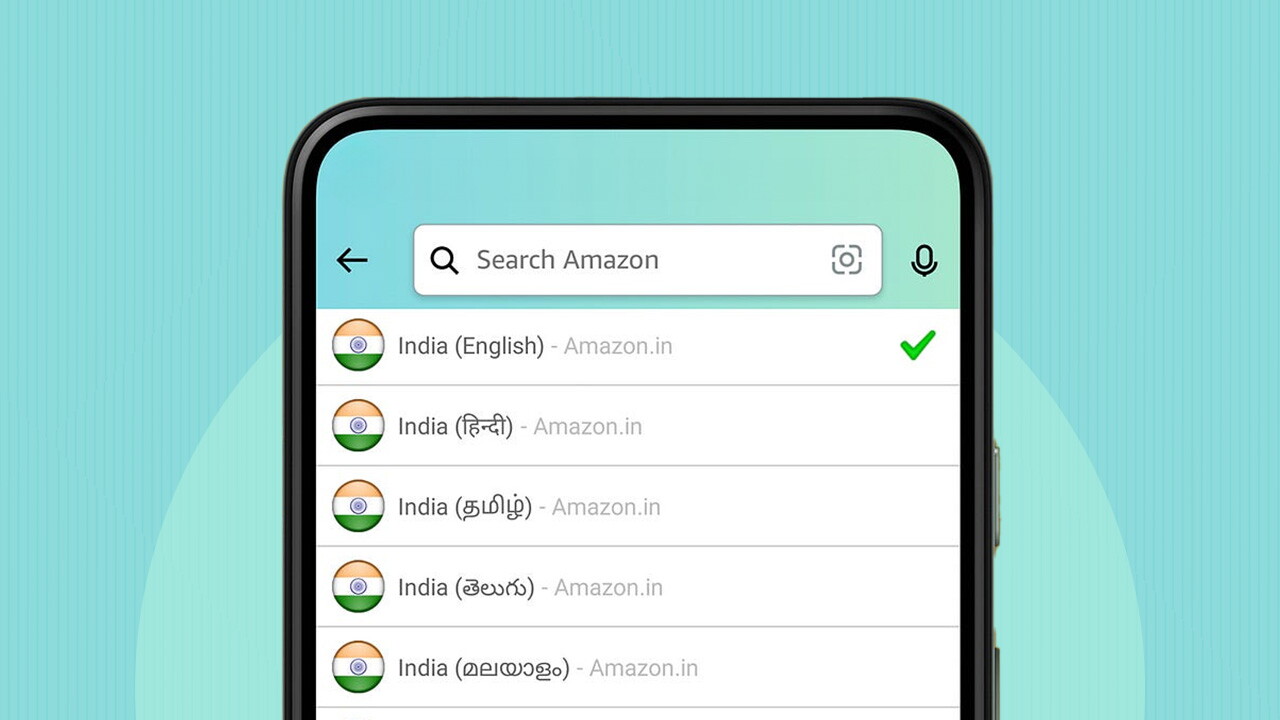
Shopping becomes more intuitive when you can browse and buy in your mother tongue. Amazon.in offers a multilingual experience with support for eight languages—English, Hindi, Tamil, Telugu, Kannada, Malayalam, Marathi, and Bangla. Personalise your shopping journey by simply visiting the Settings section of your account and selecting your preferred language. This localisation makes product descriptions, reviews, and checkout processes more accessible and comfortable, ensuring everyone across India can participate fully regardless of language preference.