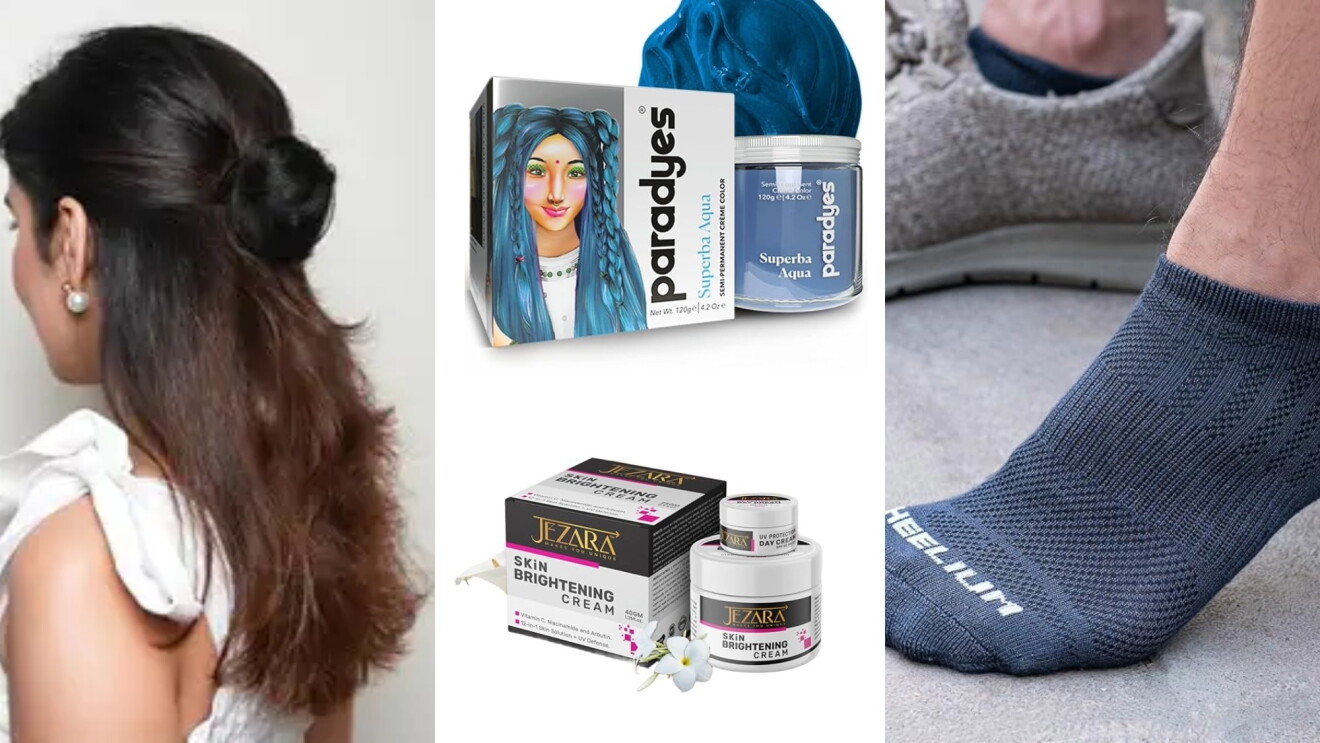

Ready to reach millions of customers across India? Selling on Amazon lets you showcase your products to shoppers nationwide without needing your own website or physical store.
Whether you're a small business owner, artisan, or manufacturer, this step-by-step guide will help you get started on Amazon's marketplace with minimal hassle. Here's everything you need to know to start selling on Amazon.
Step 1: Registering as a Seller on Amazon
Getting started on Amazon.in is straightforward. To sell, you need to register on Amazon Seller Central. The process involves just a few essential documents for KYC (Know Your Customer) purpose:
- GST number – required for most categories.
- PAN card – for tax purposes.
- Bank account – for receiving payments.
- Phone number and email – for account verification.
Once you complete the online form and upload scanned copies of the documents, Amazon verifies your account. Registration can often be completed in just a couple of days.
Tip: Have all your documents scanned and ready in PDF or JPEG format. This reduces delays during the KYC (Know Your Customer) process.
Step 2: Creating your first listing
A well-structured listing is the heart of success on Amazon.in and your product pages need to stand out.
Titles
- Maximum 200 characters (including spaces).
- Avoid ALL CAPS, special characters, and promotional phrases like “Best” or “Cheapest.”
- Use a logical order: Brand + Product Type + Key Feature + Colour + Gender/Use Case.
- Amazon prohibits repeating the same keyword more than twice.
Images
- Minimum 1000 px on the longest side (1600 px recommended).
- Pure white background for the main image.
- The product should occupy at least 85% of the frame.
- Use secondary images to showcase angles, close-ups, lifestyle shots, and size charts.
Bullet points (About this item)
- Amazon allows sellers to add upto five bullet points to describe the product.
- Each bullet should highlight a detail. For example in case of a clothing item list the fabric composition, style, care instructions, or unique detailing.
- Keep them concise and customer-focused.
Descriptions
- Use short paragraphs.
- Emphasise your brand voice and product story.
- Avoid unverifiable claims (e.g., “world’s best”).
Do You Know? High quality images, keyword-rich titles improve your chances of showing up in search results.

Step 3: Understanding fees and incentives
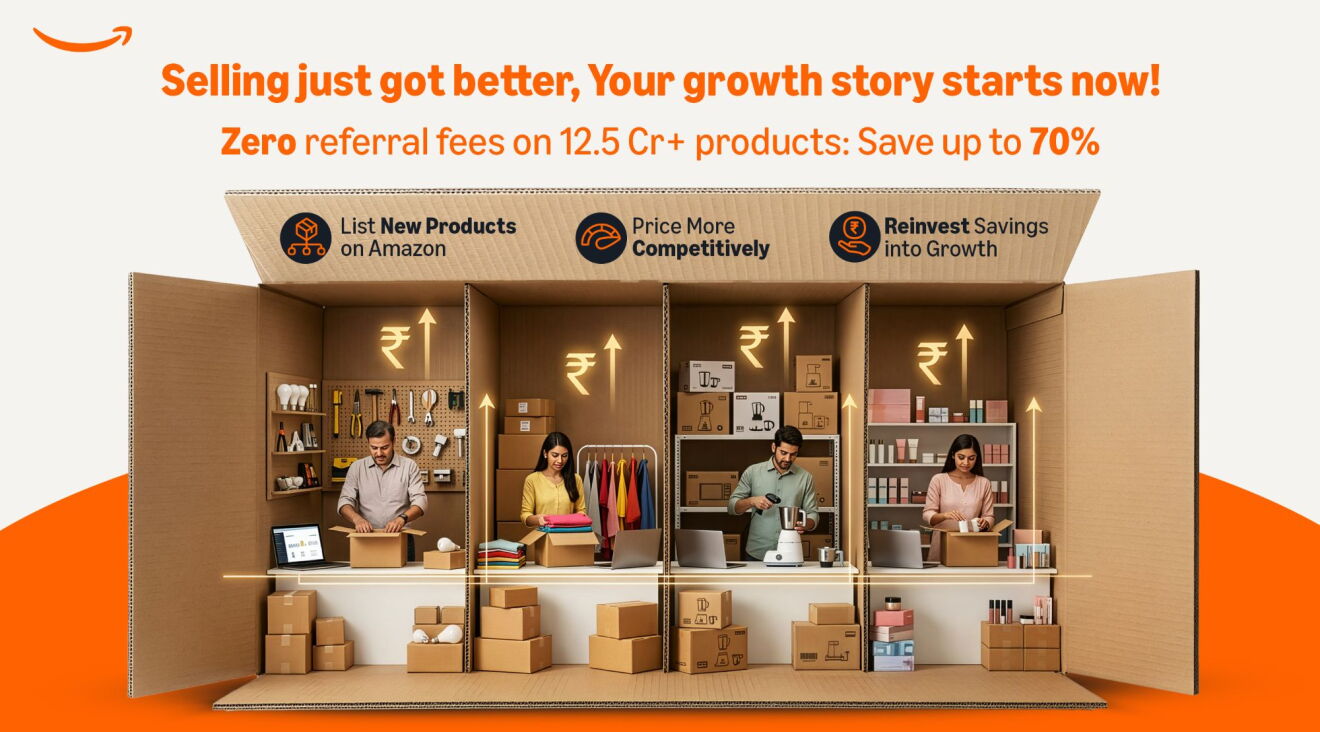
Amazon charges sellers a referral fee, which is a percentage of the selling price. However, to encourage new sellers, Amazon has rolled out multiple benefits in 2025.
- Zero referral fees on more than 1.2 crore products priced under ₹300 (categories include apparel, shoes, jewellery, and home décor).
- Reduced national shipping rate – ₹65 (down from ₹77).
- Multi-unit order discounts – save up to 90% on second-unit fees.
In addition, Amazon’s New Seller Incentive Program offers up to ₹36,000 worth of benefits. These include:
- Selection benefits (₹5,000).
- Sponsored ad credits (₹26,000).
- Fulfilment centre inbound benefits.
Tip: Monitor your Seller Central dashboard weekly to track incentive eligibility. Missing out on ad credits or other benefits is a common oversight.
Step 4: Managing orders and fulfilment
As orders start pouring in, efficient order management is critical. Amazon gives sellers two primary options:
- Fulfilment by Amazon (FBA)
- You ship inventory to Amazon’s fulfilment centres.
- Amazon handles storage, packaging, shipping, returns, and customer service.
- Products with the Prime badge often see higher conversion rates.
- Self-Ship (Easy Ship / Merchant Fulfilled)
- You manage packaging and delivery.
- Gives you more control but requires resources.
Returns and refunds are inevitable in e-commerce. Amazon expects sellers to handle them promptly. A high return dissatisfaction rate can negatively affect account health.
Do You Know? Orders fulfilled through FBA automatically get Amazon’s 24/7 customer service and faster returns handling, which can improve your seller rating and reduce negative feedback.
Step 5: Building a brand on Amazon.in
Standing out requires more than just listings—it requires brand presence.
- Amazon Brand Registry protects your intellectual property on Amazon.in and gives you access to tools like A+ content and Sponsored Brand ads. To enroll your brand in Amazon Brand Registry, you need to meet two basic requirements:
- Brand name and logo: Have a logo that includes your brand name permanently affixed to your products or packaging.
- Trademark: Have a pending or registered trademark for your brand name or logo that’s issued by the designated government trademark office of your country with a corresponding Amazon store.
- Brand Store: Think of it as a mini-website within Amazon. You can design dedicated pages for your collections, tell your brand story, and create a seamless shopping experience.
Tip: Even if you’re starting with a small catalogue, build a Brand Store. It adds credibility and funnels shoppers directly into your ecosystem.

Step 6: Driving growth through ads and deals
With thousands of sellers competing for customer attention, visibility is key. Amazon offers several marketing tools:
- Sponsored products: Sponsored Products promote individual listings and can appear in multiple placements, including the top of search results and product detail pages.
- Sponsored brands: Sponsored Brands ads appear prominently in search results and let you showcase your brand with a custom headline, logo, and multiple products.
- Deals and coupons: Shoppers actively look for coupon-based savings.
Start with auto-campaigns to identify which keywords drive the most sales, then transition into manual campaigns to control targeting and budget.
Step 7: Mistakes new sellers make
Even seasoned sellers stumble during high-volume events. First-time sellers should avoid these pitfalls:
- Keyword stuffing: Overloading titles or bullets with keywords makes content unreadable and violates policies.
- Wrong attributes: Listing a product as “cotton” when it’s polyester can result in poor reviews.
- Ignoring images: Low-quality images are the fastest way to lose conversions.
- Neglecting returns: Delay in refund approvals might lead to poor reviews.
Tip: Conduct an audit of your listings. Ask a friend or colleague to review your product page—does it look credible, appealing, and informative?